
Smart HVAC Invoicing Software That
Gets You Paid the Same Day the Job Closes
Generate invoices from completed HVAC jobs, collect payment before your technician leaves the property, and automatically sync every transaction with QuickBooks.
- One-tap invoice generation from completed HVAC jobs
- Collect cards, ACH payments, deposits, and financing on-site
- QuickBooks sync, no manual entry
- Recurring billing for maintenance contracts
- Automated payment reminders for overdue invoices
- Real-time revenue, cash flow, and profitability reporting
Same day
payment collection from completed HVAC jobs
Zero
Manual data entry with QuickBooks sync
One Click
to convert a completed job into a sent invoice
"We used to invoice two or three days after a job closed and chase payments for weeks. Now the tech invoices on site and we collect before they leave. Our outstanding invoices have dropped significantly since switching."
— Owner, residential HVAC contractor
- The real problem
What
Delayed Invoicing
is Actually Costing Your HVAC Business
Every day between job completion and payment collected is a cash flow gap. Most HVAC contractors have more of these than they realize.
- Manual Invoicing and Billing
- Invoices created back at the office, days after the job
- Payment chased by phone and email weeks later
- Line items missed or priced wrong without job data
- Recurring contracts invoiced manually or forgotten
- Financial data manually re-entered into accounting software
- No clear picture of outstanding payments or cash flow
- HVACBase Invoicing
- Invoice generated from the completed job with one tap
- Payment collected on site before the tech leaves
- All job line items, labor, and parts auto-populated
- Recurring contracts billed automatically on schedule
- Syncs with QuickBooks, no re-entry required
- Live dashboard showing revenue, outstanding, and overdue
Still
chasing payments days after jobs close?
See how same-day invoicing and on-site payment collection change the cash flow picture for your HVAC business.
- Core features
Every
Billing and Accounting Tool Your HVAC Business Needs
Built around how HVAC jobs actually close, not how a generic accounting tool expects you to work.
01 — Professional invoicing and templates
Send polished, branded invoices in seconds
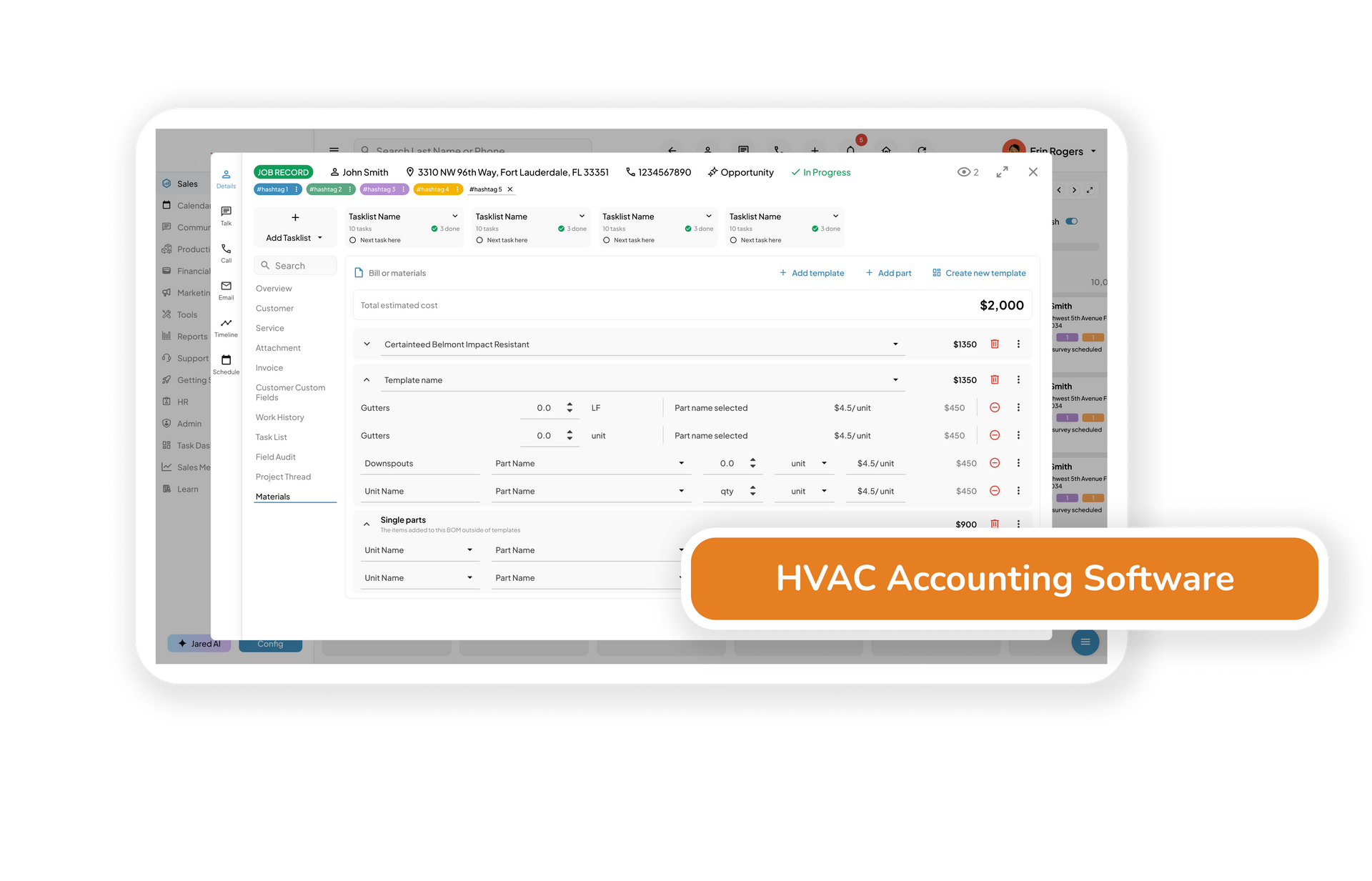
Auto-fill from completed jobs, add line items, labor, parts, discounts, and taxes. Every invoice goes out branded and consistent, whether sent from the office or the job site.
02 — Integrated payments and deposits
Faster, easier, customer-friendly payments
Accept credit cards, ACH, checks, or financing directly from the invoice. Collect deposits upfront and final payment on completion. No third-party payment tool needed.
03 — Recurring billing and maintenance contracts
Automate ongoing revenue
Set up recurring invoices for seasonal tune-ups, service agreements, and long-term clients. Billing runs on schedule automatically, no manual follow-up, no missed contract renewals.
04 — One-click job-to-invoice conversion
No retyping. No missing charges.
When a job is marked complete, generate the invoice directly from the job record. All time, parts, and services used pull across automatically so nothing gets missed and nothing gets re-entered.
05 — Real-time financial dashboard
Know your numbers at a glance
Total revenue, outstanding invoices, job profits, and aging reports in one live dashboard. See exactly where your cash flow stands without running a report or calling your bookkeeper.
06 — Built-in accounting and expense tracking
Track every dollar in and out
Log purchases, tag job costs, upload receipts, and categorize expenses against the right job or account. A clear picture of profit per job, not just total revenue.
07 — Tax-ready reports and bookkeeping exports
Simplify tax season, stay audit-ready
Download P&L statements, balance sheets, and CSV exports to hand off to your bookkeeper or CPA. Everything is categorized, dated, and formatted; no prep work before you send it.
08 — QuickBooks sync
One platform. Nothing entered twice.
Financial data syncs automatically to QuickBooks in real time. Invoices, payments, and job costs flow through without manual export or re-entry between systems.
Professional invoices. Same-day payment. Clean books.
See how HVAC invoicing and accounting tools close the gap between job completion and payment collected, and keep your books up to date without the manual work.
Frequently Asked Questions
What is HVAC invoicing and accounting software?
HVAC invoicing and accounting software helps contractors generate invoices, collect payments, manage recurring billing, track expenses, monitor profitability, and synchronize financial data with accounting platforms. It connects financial operations directly to HVAC jobs, technicians, and customer records.
Can HVAC technicians generate invoices from the field?
Yes. HVAC technicians can generate and send invoices directly from their mobile device immediately after completing a repair, maintenance visit, or installation. Customers can review and pay before the technician leaves the property.
Does HVACBase support recurring billing for maintenance agreements?
Yes. HVACBase automatically generates invoices for maintenance plans, service agreements, and recurring contracts based on monthly, quarterly, annual, or custom billing schedules.
What payment methods can customers use?
Customers can pay using credit cards, debit cards, ACH transfers, financing options, or other supported payment methods directly through the invoice.
Does HVACBase integrate with QuickBooks?
Yes. HVACBase automatically syncs invoices, payments, expenses, customer information, and job costs with QuickBooks to eliminate duplicate data entry and improve accounting accuracy.
Can I track job profitability?
Yes. HVACBase tracks labor costs, materials, equipment expenses, payments, and revenue by job so you can understand which repairs, maintenance services, and installations generate the highest profit.
What financial reports are available?
HVACBase provides revenue reports, accounts receivable reports, aging reports, profit and loss statements, cash flow reports, recurring revenue reports, and job profitability dashboards.
Is HVACBase suitable for both small and growing HVAC businesses?
Yes. Whether you're a single-truck HVAC company or a multi-location contractor, HVACBase helps simplify invoicing, improve cash flow, automate billing, and maintain accurate financial records as your business grows.