
Advanced HVAC Load Calculation Software That Gets the Size Right Before Installation Day
An oversized or undersized HVAC system leads to comfort complaints, energy inefficiencies, costly callbacks, and reduced equipment performance. Run accurate Manual J, Manual S, and Manual D calculations inside HVACBase and attach permit-ready reports directly to your proposals.
- ACCA Manual J, S, and D calculations built in
- ASHRAE-compliant load analysis
- Automated duct sizing and airflow optimization
- Permit-ready HVAC PDF reports for AHJ submission
- Instant recalculations when project specifications change
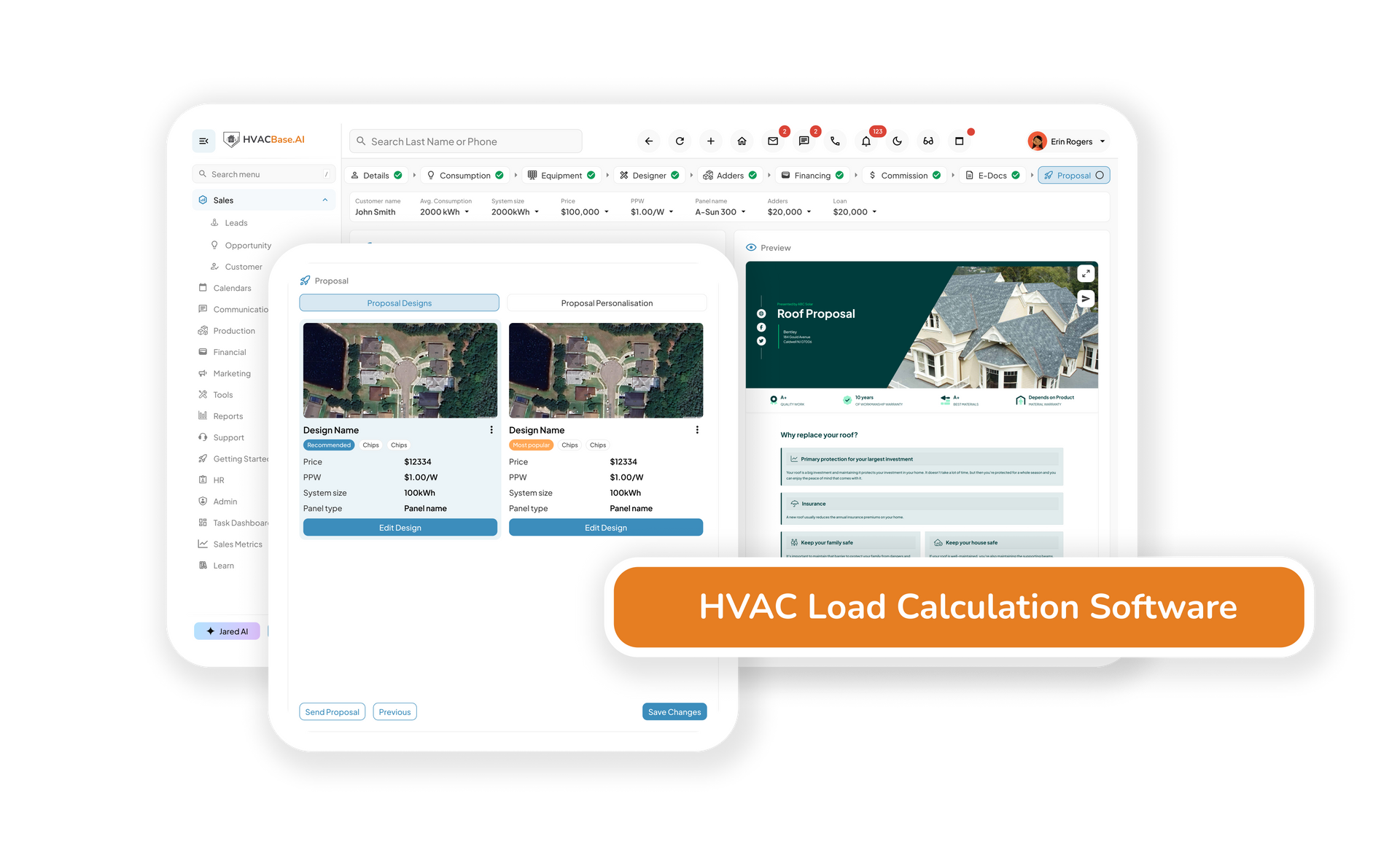
- Attaches directly to proposals. Zero re-entry
Zero
callbacks from incorrectly sized systems
Instant
load recalculation when specs change
One click
to attach load reports to proposals
"Before we had proper load calc software, we were oversizing systems because it felt safer. It wasn't — customers noticed the short cycling, comfort issues kept coming up, and we were going back to jobs we'd already closed. Getting the size right the first time changed that completely."
— Lead installer, residential HVAC company
- The real problem
What Happens When HVAC Systems are
Sized by Experience Instead of Data
Most sizing errors don't show up during installation. They show up six months later, when the customer calls to say something isn't right.
- Manual calculations
- Sizing based on rule-of-thumb estimates
- Oversized systems that short-cycle and increase energy bills
- Undersized systems that can't maintain comfort in peak conditions
- Manual duct sizing prone to airflow imbalance
- Reports built manually, time-consuming and inconsistent
- No easy way to attach calculations to proposals
- HVACBase load calculations
- ACCA Manual J calculations based on actual building data
- Correct system sizing every time. No guesswork
- Automated duct sizing with airflow balance built in
- Real-time recalculation when insulation or specs change
- Permit-ready reports generated automatically
- Load reports attached to proposals in one click
Still Sizing Systems Based on
Experience and Square Footage?
See how HVACBase load calculation tools get the size right before installation day, and how attaching verified calculations to proposals changes the conversation with customers.
- Core features
Precision Design Tools Built for HVAC Contractors
Connected to your proposals, CRM, and job workflow, so every project moves seamlessly from estimate to completion.
01 — Manual J load calculations
Calculate heating and cooling loads based on square footage, insulation values, window area, orientation, occupancy, and local climate zone. Fully aligned with ACCA Manual J standards: the industry benchmark for residential and light commercial load analysis.
02 — Manual D duct sizing and airflow optimization
Automatically size ductwork based on the calculated load and building layout. Adjust sizing dynamically as specs change, and ensure balanced airflow across every zone to reduce energy waste and eliminate hot and cold spots after installation.
03 — Manual S equipment selection
Match the right equipment to the calculated load using Manual S standards. Get automated recommendations for unit capacity, efficiency rating, and equipment specs, so every system you install is sized correctly for the building it serves.
04 — Real-time design updates
Change an insulation value, window spec, or occupancy figure, and the load recalculates instantly across every dependent variable. No starting from scratch. Design decisions are backed by live data at every step.
05 — Permit-ready reports and PDF export
Generate clean, professional load calculation reports formatted for AHJ submission and code inspector review. Your branding, your report, ready to download and submit without any manual formatting.
06 — Direct proposal attachment
Attach the completed load report to a proposal in one click. Customers and inspectors see the verified calculations behind every system recommendation, which builds credibility and reduces pushback on pricing.
07 — Field and office access
Run calculations in the office, review designs on-site, and keep sales, design, and installation teams working from the same project data.
08 — Residential and commercial project support
Designed for residential HVAC projects and light commercial applications, including replacements, retrofits, renovations, additions, and new construction.
Get the Size Right Before Installation Day
See how HVACBase load calculation tools replace guesswork with verified data, and how permit-ready reports attached to proposals change the way customers say yes.
Frequently Asked Questions
What is HVAC load calculation software?
HVAC load calculation software helps contractors determine the heating and cooling requirements of a building based on factors such as insulation, windows, occupancy, orientation, climate zone, and building construction. Accurate calculations help ensure HVAC systems are properly sized before installation.
What is Manual J and why is it important?
Manual J is the ACCA industry-standard methodology for calculating residential heating and cooling loads. It provides a data-driven approach to HVAC sizing and helps prevent the comfort, efficiency, and performance issues caused by oversized or undersized equipment.
What is the difference between Manual J, Manual S, and Manual D?
- Manual J determines the building's heating and cooling load.
- Manual S uses that load information to select properly sized HVAC equipment.
- Manual D designs the duct system needed to deliver airflow efficiently throughout the building.
- Together, these standards create a complete HVAC design workflow.
Can HVACBase generate permit-ready reports?
Yes. HVACBase generates professional load calculation reports that can be downloaded as PDFs and used for permit applications, AHJ reviews, project documentation, and customer records.
Can load calculation reports be attached to proposals?
Yes. Load calculation reports can be attached directly to customer proposals, helping demonstrate the engineering behind your equipment recommendations and building trust during the sales process.
Can I update calculations if project details change?
Yes. Changes to insulation levels, window specifications, occupancy assumptions, building dimensions, or equipment selections automatically update related calculations and recommendations.
Does HVACBase support residential and commercial HVAC projects?
Yes. HVACBase supports residential projects and many light commercial HVAC applications, including replacements, retrofits, renovations, additions, and new construction work.
Does the load calculation software connect with the rest of HVACBase?
Yes. Load calculations integrate directly with proposals, customer records, scheduling workflows, and project documentation so information flows through the entire project lifecycle without duplicate data entry.